5 GB free · iPhone and Android
Your photos,
backed up for less.
Automatic photo and video backup, from ₹39 a month.
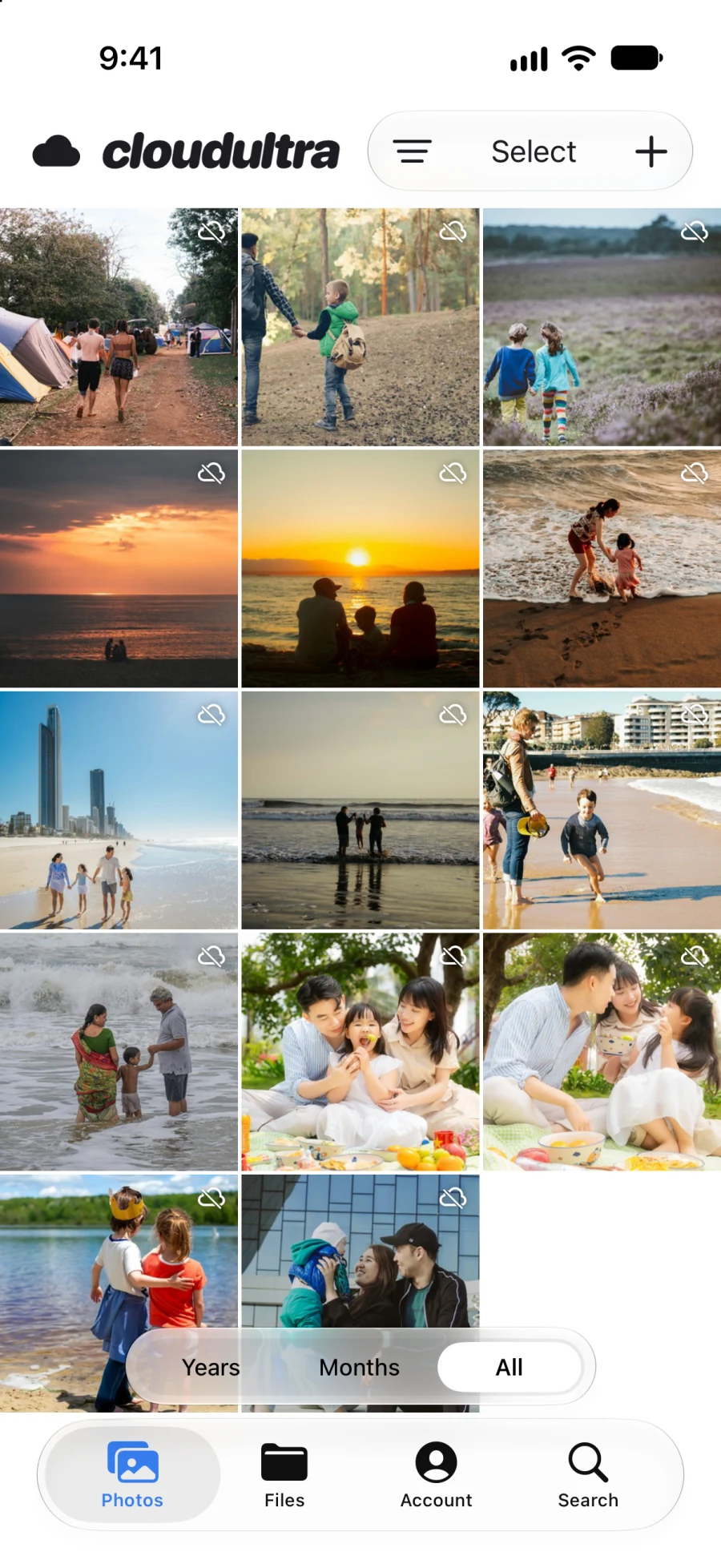
How it works
Turn it on once. That's it.
Backup is off until you switch it on, so you choose what goes up.
Step 1
Sign in
With Apple or an email code on iPhone, with Google or an email code on Android.
Step 2
Turn on backup
Pick your albums, and keep uploads on Wi-Fi only if you prefer.
Step 3
Get on with your day
New photos and videos upload in the background. On iPhone, that includes Live Photos, and backups run when iOS allows.
On iPhone
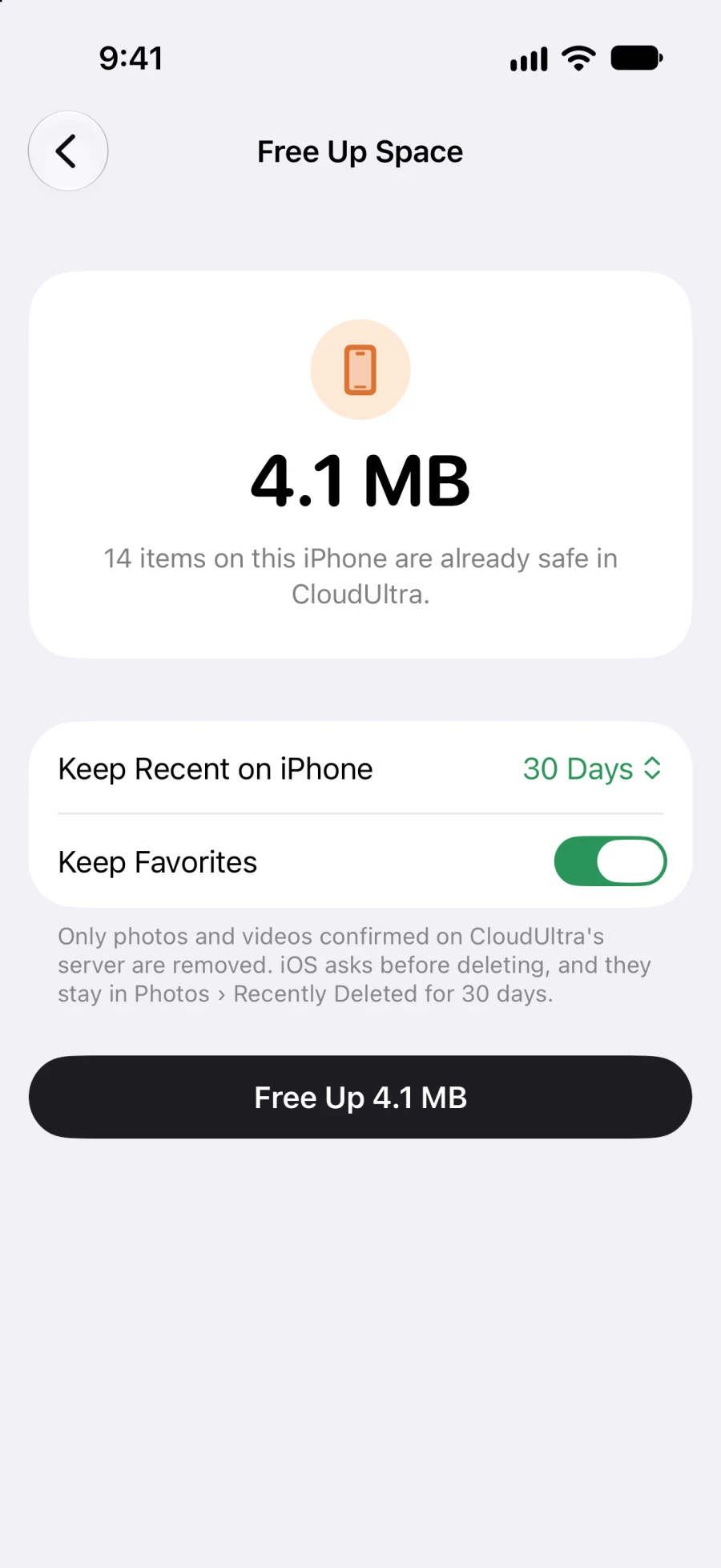
Free up space, keep every memory.
Remove photos from your phone once they are backed up. Live Photos stay live, On This Day brings old ones back.
Pricing
Start free. Pay in rupees.
Billed through the App Store or Google Play. Cancel and nothing is deleted.
-
Free
5 GB storage
₹0 / month
No yearly charge
- Google One, India
- 15 GB free
-
Lite
50 GB storage
₹39 / month
₹390 per year
- Google One, India
- 30 GB for ₹59
-
Basic
100 GB storage
₹59 / month
₹590 per year
- Google One, India
- 100 GB for ₹130
-
Plus
200 GB storage
₹99 / month
₹990 per year
- Google One, India
- Price to check
-
Max
400 GB storage
₹199 / month
₹1,950 per year
- Google One, India
- No 400 GB plan
-
Pro
2 TB storage
₹549 / month
₹5,400 per year
- Google One, India
- Price to check
Google One prices from one.google.com/about/plans, checked 26 Nov 2026.
Privacy
No ads. No trackers.
Here is exactly where your things go.
- Your files
- Stored in secure cloud storage in the US.
- Your account
- Kept in a Supabase database in Mumbai.
- On the way
- Every upload and download goes over HTTPS.
- In the app
- No ads, and no analytics, crash or ad SDKs.
- If you delete
- Files wait in Trash for 30 days before they go.
Questions
Good to know
- What happens if I cancel?
- Nothing is deleted. Your files stay in your account.
- Does it work on Android?
- Yes, Android 8.0 and newer. Live Photos, Free Up Space, On This Day and share links are on iPhone for now.
- Which iPhones?
- Any iPhone on iOS 18 or newer.
- Can I share a photo?
- On iPhone, make a link to one file that lasts 1, 7 or 30 days, or never. Turn it off any time.
Start with 5 GB free.
No ads. Cancel any time and nothing is deleted.
Get the app